


One-click Notion integration with Katara is the fastest way to ground your agents in proprietary knowledge, turning your team wikis, databases, and docs into a secure, compliant RAG backend for production-grade agentic apps.
Katara's Notion Data Loader Agent seamlessly ingests pages, databases, and nested content from your Notion workspace. It handles profiling, compliance scanning (PII detection via the Compliance Manager), chunking recommendations, and automatic vectorization all coordinated by our agentic magic. This setup gets your data RAG-ready in minutes, with built-in guardrails and cost optimization.
The loader supports full workspaces, specific databases, or individual pages, with incremental syncs for ongoing updates.
Just want the full loader docs? Go to Loaders Reference (or link to specific if available)
1. Log into your Katara dashboard.
2. Navigate to Agent Library > Create an agent> Loaders > Notion

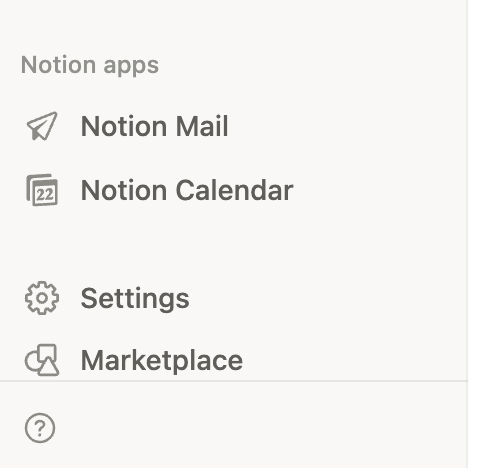
3. Log into your Notion dashboard Navigate to Settings
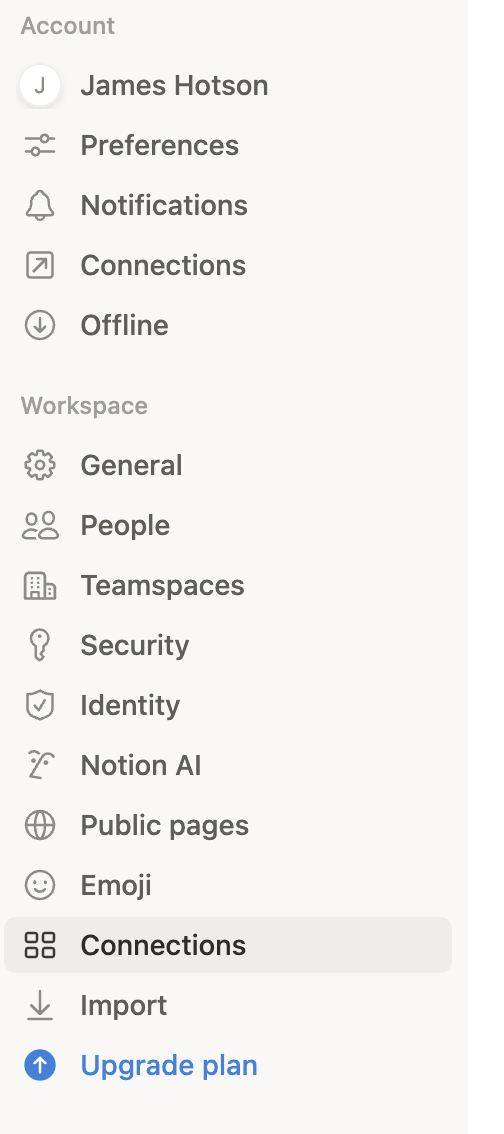
4. Navigate to connections
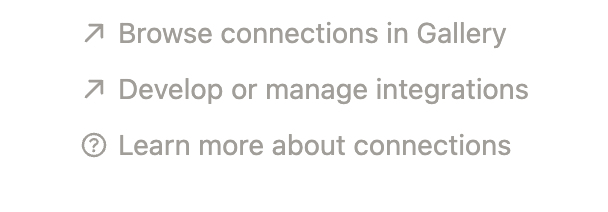
5. Click 'Develop or manage integration'
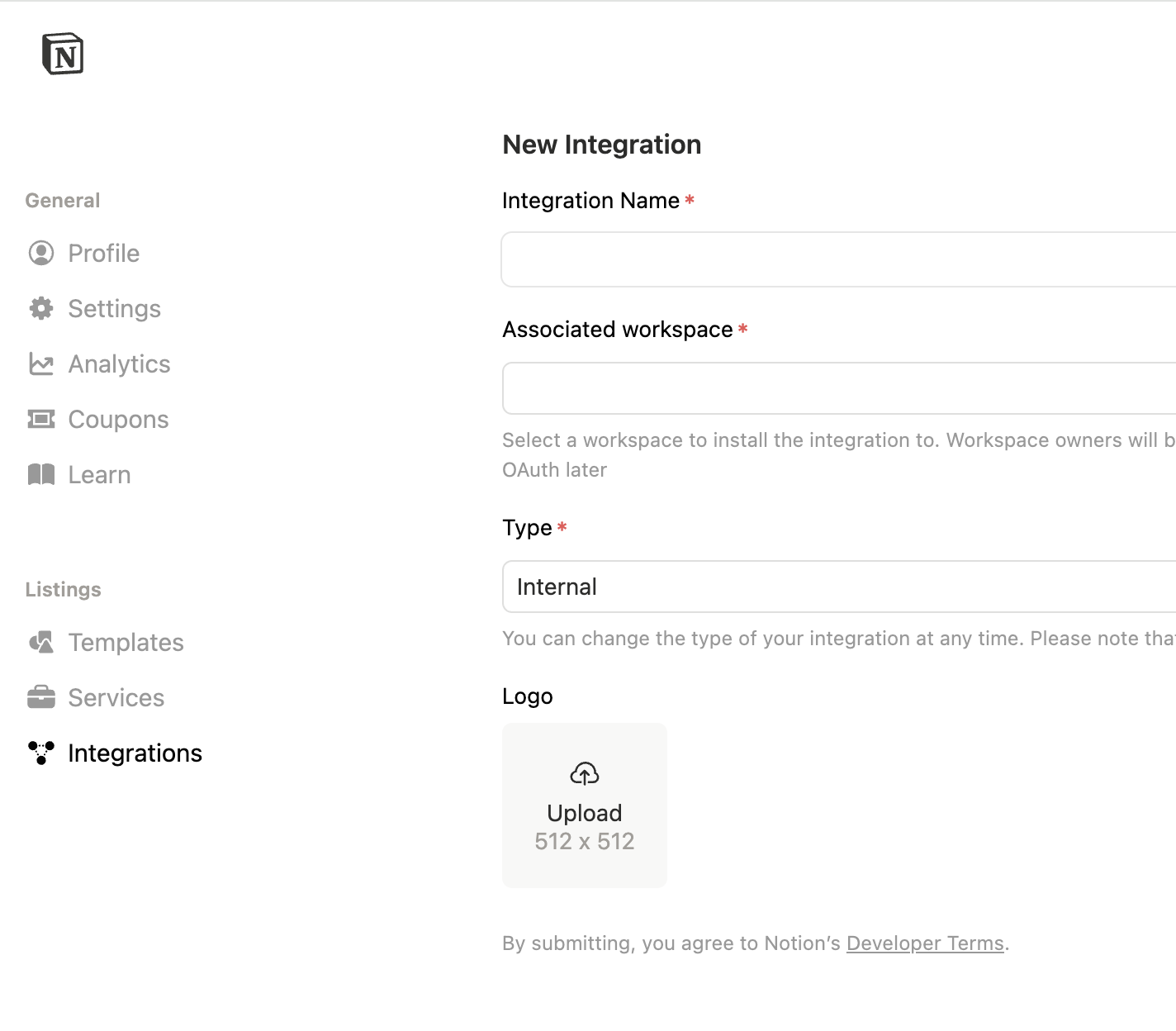
6. Click Add New Integration

7. Name the integration (e.g., "Katara") and select the workspace you want to pull data from. (You can edit later)
8. Navigate to the inegration configuration for the Internal Integration Secret: click show > click copy key

9. In the Katara Dashboard Copy key to Katara Notion agent config

10. In the Notion dashboard, navigate to the access tab in integration > click edit access> select the specific scope: full workspace, specific databases, or pages you want to enable access for

11. Copy paste notion url into Karata

12. Click create agent

13. Run the agent
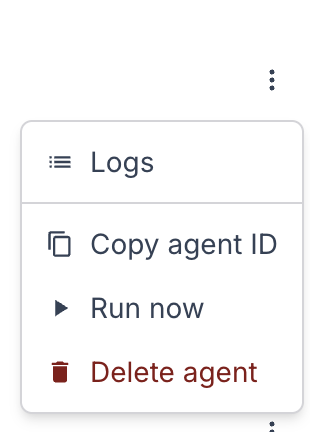
14. Wait until data has been ingested (> 1 min)
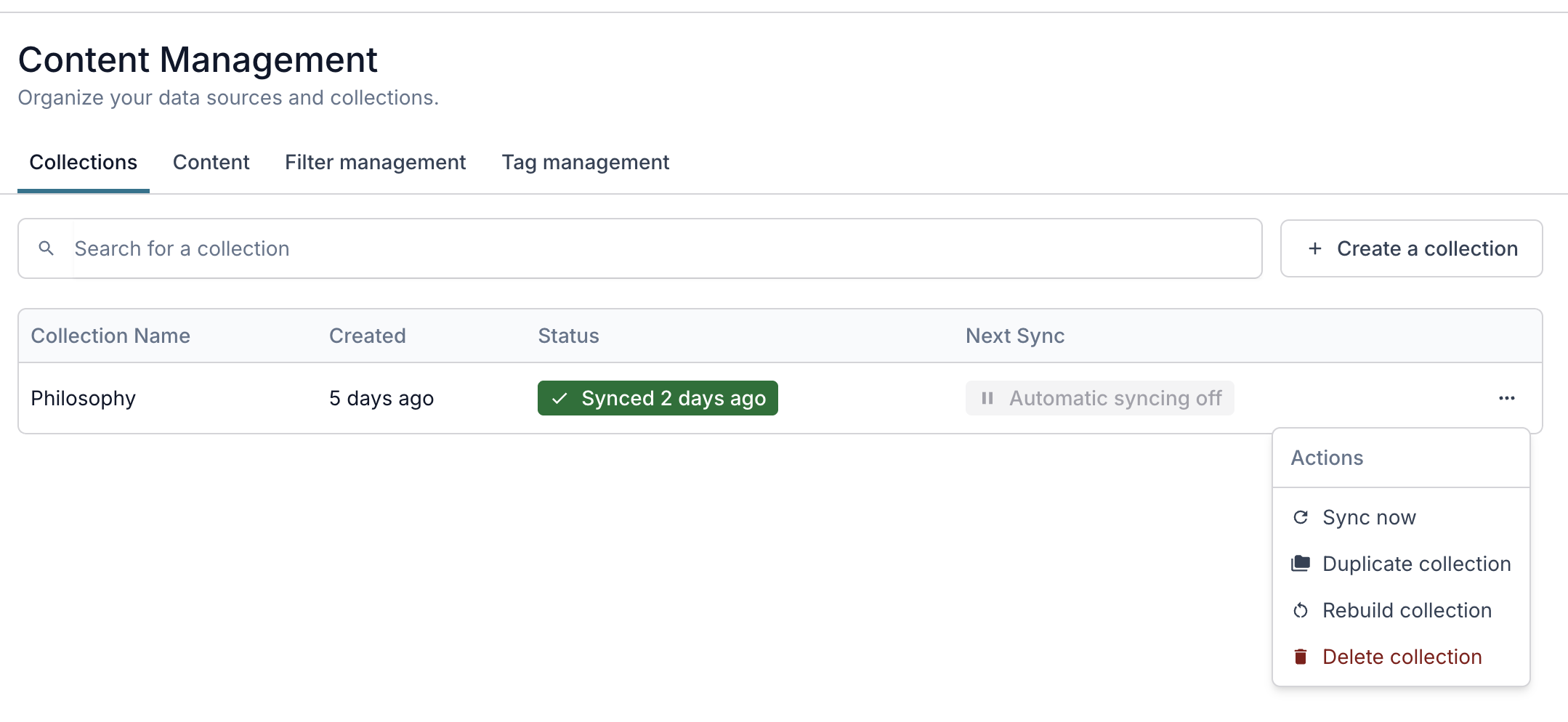
15. Navigate to the content management tab and Sync your Collection
HAPPY BUILDING! 🚀


