


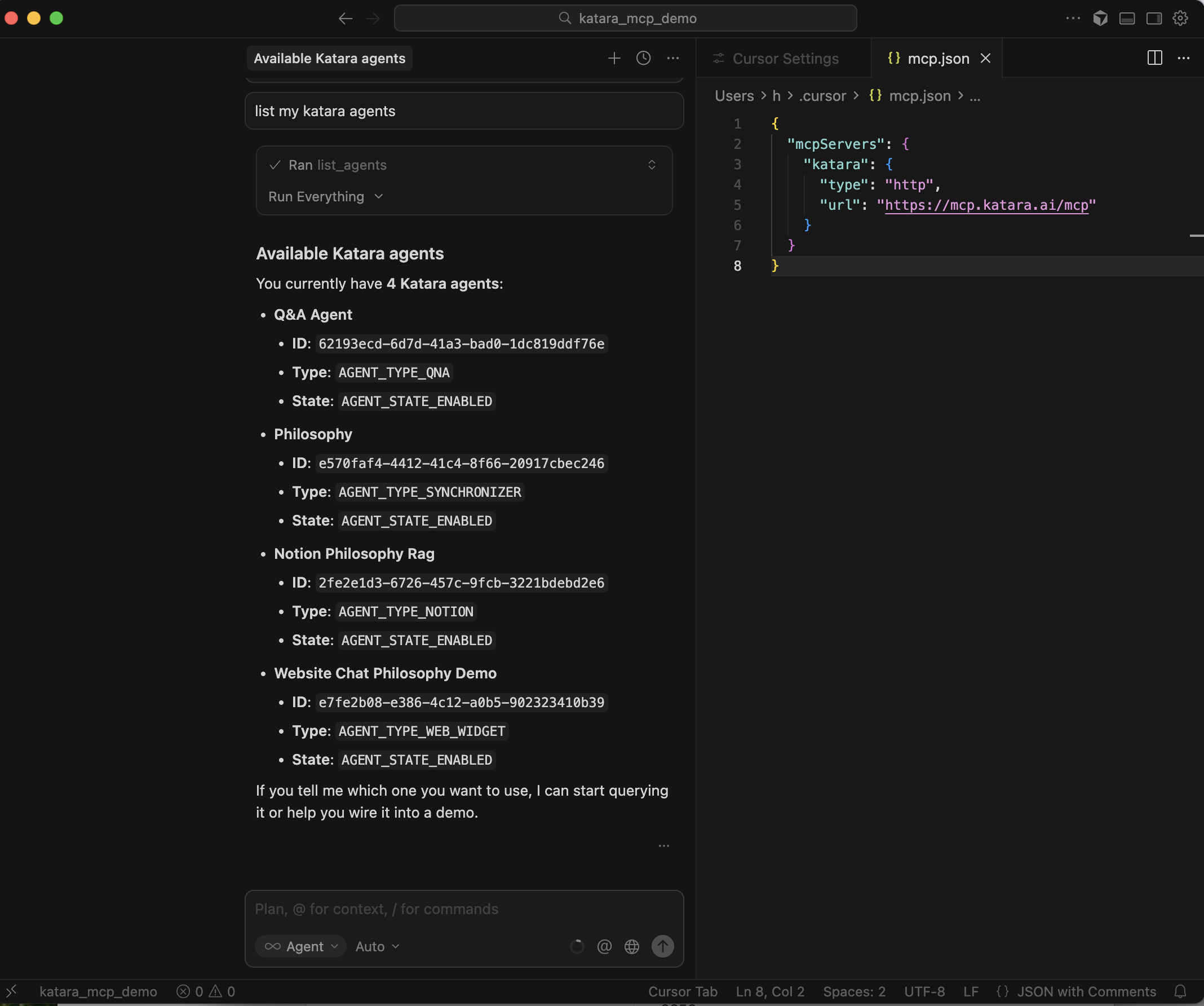
One-click MCP setup with Katara is the easiest compliant RAG backend for building production grade agentic apps.
The Model Context Protocol (MCP) enables seamless integration between large language models (LLMs) and external data sources or tools. Katara natively provides secure, dedicated MCP servers for each data collection you've loaded and processed.
MCP support also standardizes how Katara integrates with the exploding ecosystem of AI applications. Instead of building and maintaining bespoke connectors for each new LLM client or IDE, the same Katara MCP servers work universally across MCP-enabled tools, future-proofing your agentic workflows and dramatically reducing integration friction.
Just want the docs? Go Here
1. Open Cursor
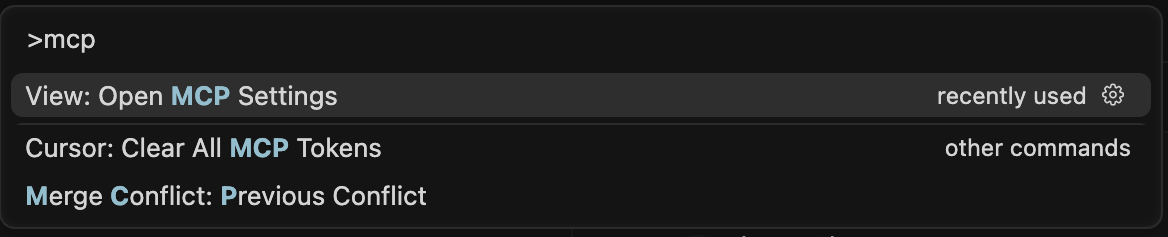
2. Press Cmd + Shift + P (Mac) or Ctrl + Shift + P (Windows)
3. Type 'MCP' in Cursor Settings and select it
4. Navigate to the left sidebar and select MCP tab, then Click + Add new global MCP server

5. Copy paste the code into your mpc.json
{
  "mcpServers": {
    "katara": {
      "url": "https://mcp.katara.ai/mcp"
    }
  }
}
6. Got back to Settings and click connect in Cursor settings
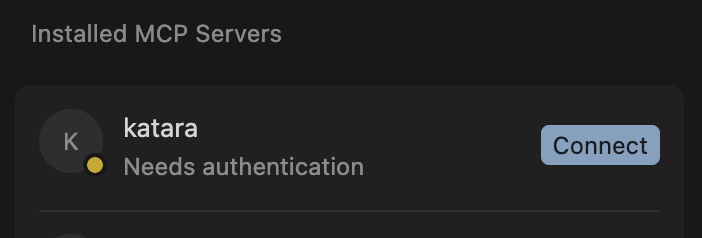
7. Open auth from Cursor
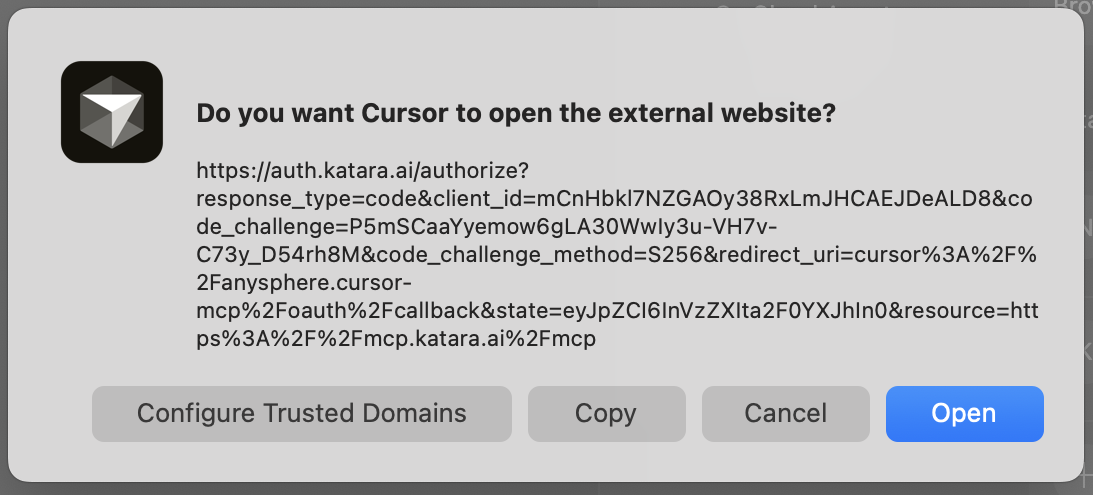
8. Log into your katara account

9. Authorize the app
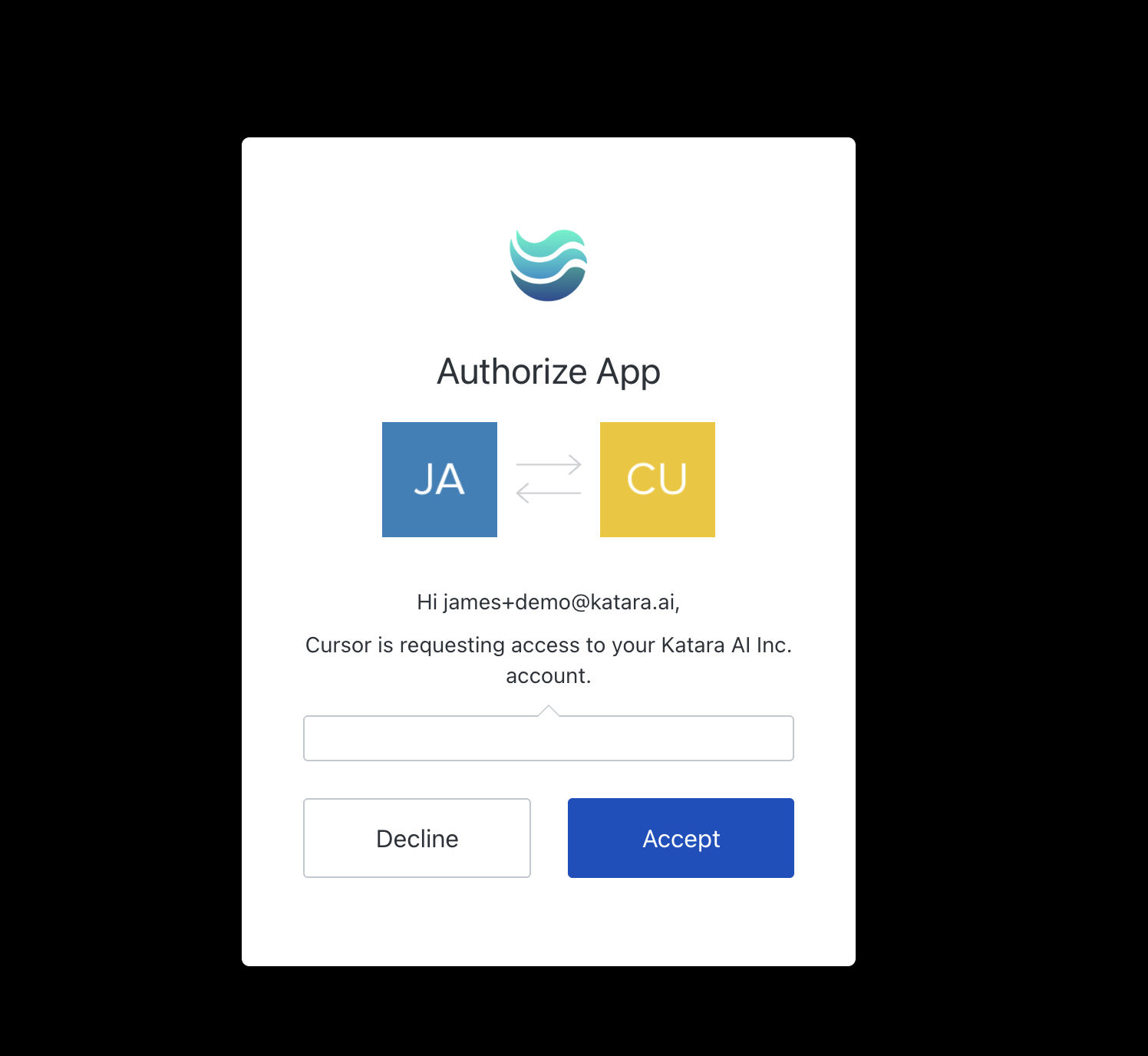
10. Your MCP Server will now turn green and be enable!
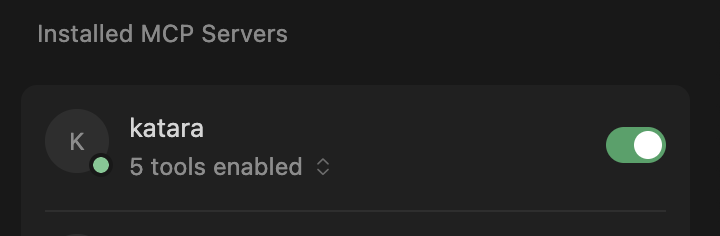
MCP is enabled by default once you create an MCP server for a collection, no extra configuration required for core retrieval functionality. Test it out by trying a chat in Cursor.
MCP turns your processed Katara collections into instant, plug-and-play knowledge bases for any MCP client
HAPPY BUILDING!


